Free audio tool

Transcribe audio to text free online in minutes

Transcribe audio to text free online with a simple upload-to-text workflow. Audio Transcriber helps you turn a recording into editable words without adding a complicated setup.

Free to start · no signup
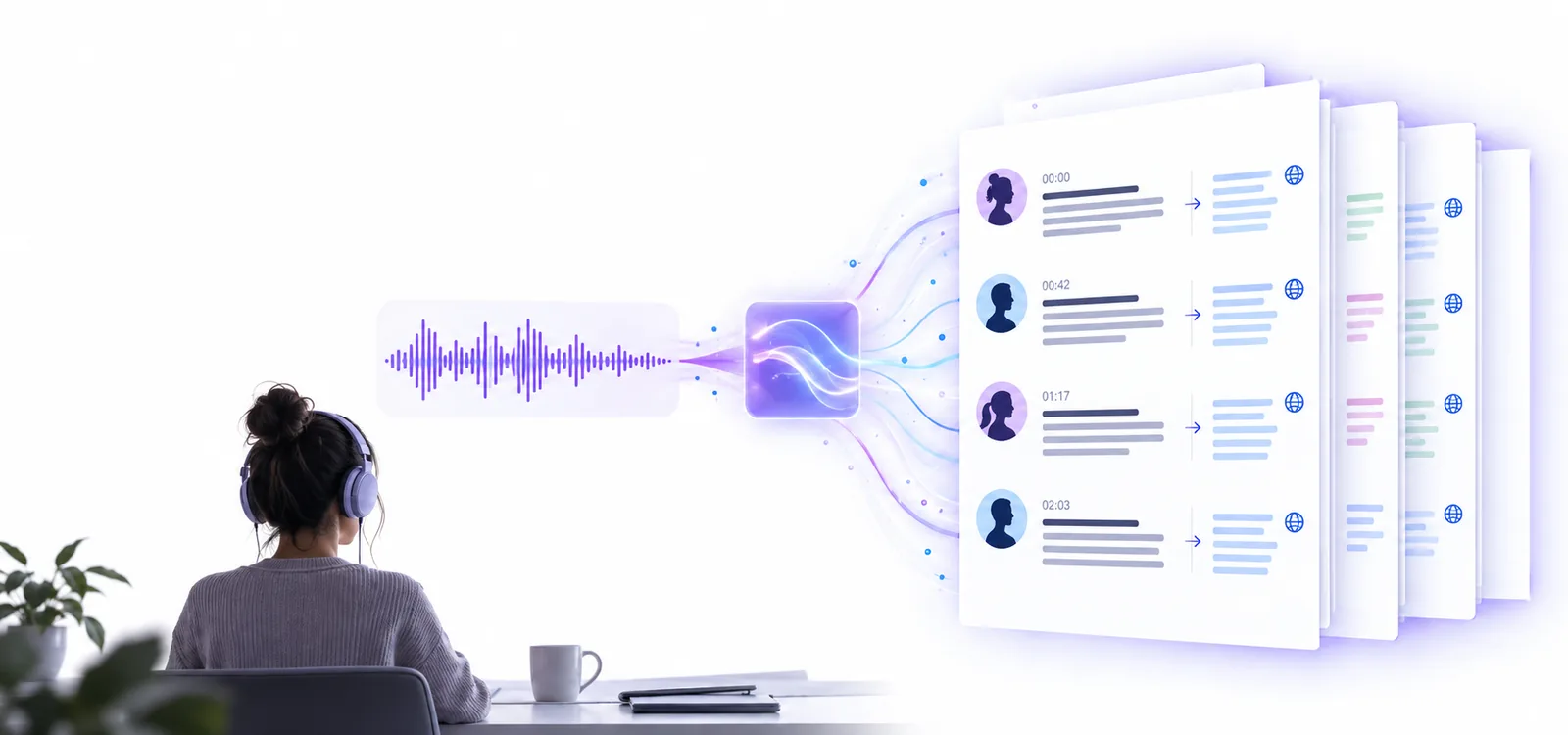
Audio Transcriber workspace for turning recordings into text

What this free online conversion can and cannot do

Converting a recording to text is useful, but the first draft still depends on the source audio and the way people speak.

It cannot repair missing speech

Silence, clipping, heavy distortion, or words covered by background noise may produce gaps or incorrect text.

Workaround

Use the clearest version of the recording and compare uncertain passages with the original audio.

It cannot guarantee perfect names

People, places, brands, and specialist terms can be misheard when they are uncommon or poorly pronounced.

Workaround

Search the draft for proper nouns and correct them against your notes or a trusted reference.

It cannot infer every speaker automatically

Overlapping voices and similar-sounding speakers can make attribution difficult in interviews or group discussions.

Workaround

Keep speaker turns distinct where possible and label uncertain sections during review.

It is not a final edited document

A raw transcript may retain repetitions, filler words, false starts, and informal phrasing from the recording.

Workaround

Read through the text once before publishing, quoting, or sharing it as an official record.

Why turn audio into text

Audio carries meaning, but text makes that meaning easier to scan, search, quote, and revise. The workflow keeps the original recording as a reference while creating a working document.

  1. 1

    Add the recording

    Choose the audio file or describe the transcription task in the tool console. A clear source gives the transcription a better starting point.

  2. 2

    Let the words become a draft

    The audio transcriber processes the spoken content and returns text you can read instead of replaying every section from the beginning.

  3. 3

    Review and reuse the result

    Check names, numbers, speaker changes, and unclear phrases, then copy the cleaned text into your notes, article, or project file.

Free online transcription compared with manual listening

Both approaches can produce useful text. The difference is how much of the first pass is handled by the tool rather than by the person reviewing the recording.

Free online transcription
Manual transcription

First draft

Free online transcription

Creates a readable starting point from the recording

Manual transcription

Requires typing the first version by hand

Playback effort

Free online transcription

Reduces repeated stopping and rewinding during the initial pass

Manual transcription

Usually depends on frequent pauses and replays

Editing control

Free online transcription

Best for reviewing and correcting a generated draft

Manual transcription

Offers direct control from the first word

Unclear speech

Free online transcription

May leave errors where audio is noisy or overlapping

Manual transcription

Lets the listener make a judgment in real time

Searchability

Free online transcription

Produces text that can be scanned and searched after review

Manual transcription

Searchability depends on finishing and saving the typed transcript

Best use

Free online transcription

Interviews, notes, meetings, lectures, and voice memos

Manual transcription

Short clips or recordings requiring highly controlled wording

Who benefits from an audio-to-text draft

Different listeners need different levels of cleanup. These examples show where a first transcript can save time without replacing a final human review.

Interviewers

You have a recorded conversation and need to find notable answers without replaying the entire file.

Start with a searchable draft, then verify quotations and speaker changes against the recording.

transcribe audio recording to text

Students

A lecture or study recording contains ideas you want to revisit while making notes.

Use the text as a reference layer, marking technical terms and correcting any uncertain passages.

transcribe audio recording to text

Creators

A voice memo contains an outline, interview answer, or rough script that is easier to edit as text.

Move from spoken brainstorming to a draft you can reorganize, shorten, and quote.

transcribe audio recording to text

Project teams

A recorded discussion includes decisions and follow-up ideas that are difficult to track by listening alone.

Review the transcript for action items, then confirm important details with the original audio.

transcribe audio recording to text

Turn your recording into a working draft

Stop replaying the same section just to capture a few words. Send your audio task through the tool, then use the resulting text as a practical starting point for review and editing.

Transcribe my audio
  • Start with a clear recording
  • Review names and numbers
  • Keep the original audio for checking

Free online audio-to-text questions

Yes, this route is designed for turning an audio recording into a text draft through an online workflow. The result should be reviewed before you treat it as a polished or official transcript.

Provide the recording or describe the transcription task, submit it through the tool, and review the returned text. Check unclear phrases, names, numbers, and speaker changes against the original audio.

It can be useful for recordings such as interviews, lectures, meetings, and voice memos, but the practical experience depends on the source and the workflow. For a long file, divide your review into sections so errors are easier to find.

No transcript should be assumed perfect, especially when the audio contains noise, overlapping voices, accents, specialist vocabulary, or unclear speech. Treat the output as a draft and verify any wording that matters.

Read through the draft while keeping the recording available for reference. Correct proper nouns, numbers, speaker labels, repetitions, and any passage that does not match what was said.

Start transcribing
Start transcribing