Practical use cases

Online Audio Transcription Examples for Everyday Work

These online audio transcription examples show how an audio transcriber can turn spoken conversations into useful notes, quotes, summaries, and searchable records.

Free to start · no signup
Audio transcription examples shown in a clean transcript workspace

The scenario's pain

Recorded speech is easy to capture but difficult to revisit. A clear audio transcriber workflow removes the slowest parts: replaying, locating quotes, separating speakers, and turning loose words into action.

3 concrete workflows

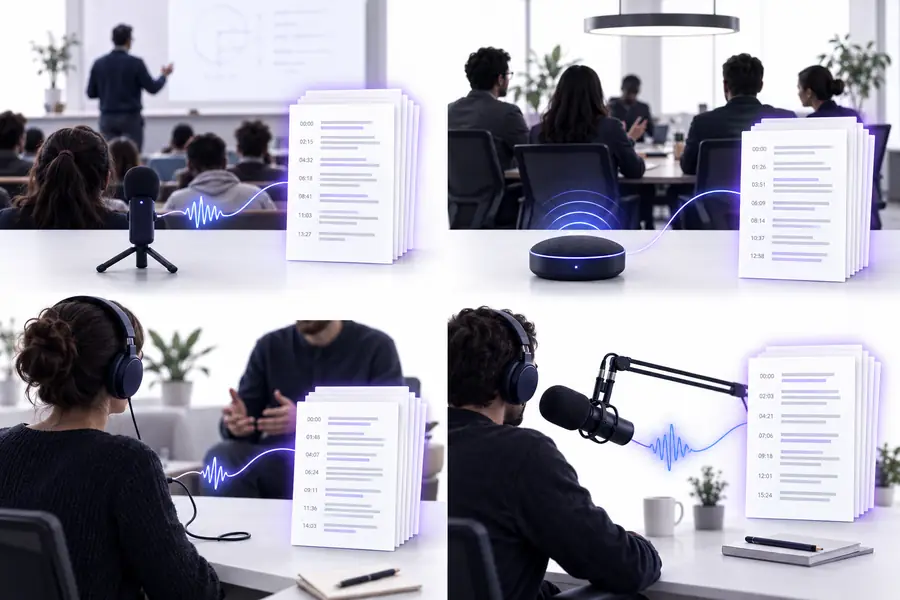
The same audio transcriber can support very different jobs when the requested output is specific. These workflows begin with a real recording and end with a format someone can use.

Project manager

A weekly team meeting contains decisions, blockers, and several owners speaking over one another.

The transcript becomes a searchable record with speaker labels, decisions, action items, and questions for the next meeting.

transcribe audio recording to text
Podcast editor

A long interview includes memorable quotes, topic changes, and names that are difficult to find by listening alone.

The editor can scan the transcript for quotes, mark rough time ranges, and prepare a draft show description more quickly.

audio transcriber ai

Student or researcher

A lecture, focus group, or field recording contains ideas that need to be reviewed alongside written notes.

A searchable text draft makes themes easier to compare, while the original recording remains available for verification.

transcribe audio to text free online

Busy professional

A voice memo captures ideas during a commute, but the raw recording is hard to organize later.

The spoken note becomes a concise written draft that can be edited into an email, outline, or task list.

how to use audio transcriber online

A reliable workflow separates capture from interpretation. Start with the recording, review the generated text, then shape it for the person who will use it.

  1. 1

    Prepare the recording

    Choose the clearest available file, note the speakers or subject, and decide whether you need a verbatim transcript, a cleaned draft, or structured notes.

  2. 2

    Review the first pass

    Check names, technical terms, speaker changes, and unclear passages against the original audio. Mark anything that needs human confirmation.

  3. 3

    Shape the useful output

    Convert the reviewed text into decisions, quotes, study notes, captions, or a summary while keeping the source recording for reference.

Example output

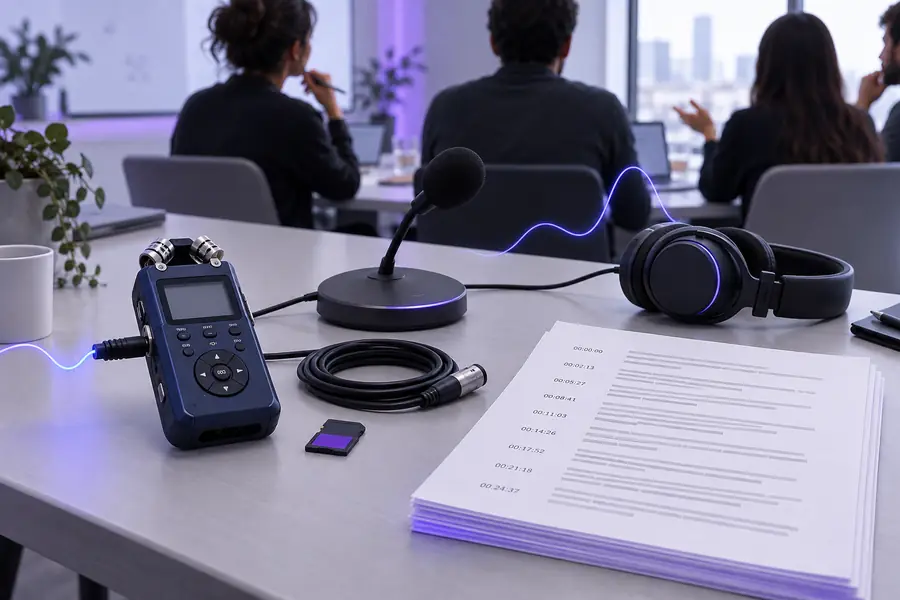
A raw recording is valuable evidence, but it is not always a practical document. The before-and-after view shows how the same spoken material can become easier to scan and act on.

Raw project meeting recording prepared for transcription Before: raw recording
Structured project meeting transcript with speakers and action items After: usable transcript
The transcript is a working draft: verify important names, numbers, and decisions against the original audio.
Raw recording
Reviewed transcript

Searchability

Raw recording

Requires manual replay and memory

Reviewed transcript

Words can be scanned and searched

Speaker context

Raw recording

Usually heard only through voice

Reviewed transcript

Can be separated with labels when identifiable

Quotes

Raw recording

Must be found by scrubbing through audio

Reviewed transcript

Can be located directly in the text

Action items

Raw recording

Listener must infer and write them down

Reviewed transcript

Can be grouped into a clear task list

Accuracy

Raw recording

Original source for verification

Reviewed transcript

Needs review for names, jargon, and unclear speech

Accessibility

Raw recording

Audio-only experience

Reviewed transcript

Readable draft supports scanning and editing

Compliance notes

Transcription improves access to spoken information, but it does not remove the responsibilities that come with sensitive recordings. Use the workflow deliberately when people, confidential topics, or regulated data are involved.

It cannot confirm every word

Background noise, accents, overlap, weak microphones, and specialist vocabulary can produce errors in the first draft.

Workaround

Review high-stakes passages against the recording and correct names, figures, and quoted statements.

It cannot create consent

A transcript does not change whether participants agreed to be recorded, processed, or quoted.

Workaround

Get appropriate permission before recording and explain how the resulting text will be used.

It cannot make private data harmless

Names, contact details, health information, business plans, and other sensitive details may remain in the output.

Workaround

Minimize collection, restrict access, and redact or delete material that is not needed.

It cannot replace professional review

Legal, medical, academic, employment, and investigative work may require a qualified person to interpret the record.

Workaround

Treat the transcript as an aid and retain the source audio for checking and context.

Turn your next recording into usable text

Start with a meeting, interview, lecture, or voice memo and describe the output you need. Audio Transcriber gives you a practical first draft to review, edit, and share responsibly.

Transcribe my audio
  • Start from a real recording
  • Request a useful output format
  • Keep human review in the loop

Scenario FAQ

Common examples include meeting notes, interview transcripts, podcast quote finding, lecture notes, voice memo cleanup, and research recordings. The best output depends on whether you need verbatim text, speaker labels, a summary, or action items.

It can create a useful first draft containing decisions, tasks, owners, and open questions when the recording is clear and the requested format is specific. Review the result before treating any assignment or deadline as final.

They can save substantial review time, but accuracy varies with sound quality, overlapping speech, accents, names, and technical language. Verify important claims, figures, quotations, and identifying details against the original recording.

Only record and process sensitive conversations when you have an appropriate reason and permission. Limit access, avoid unnecessary personal information, and redact or remove details that do not belong in the final document.

Use a verbatim style when wording, pauses, or exact quotes matter, such as research or legal review. Use a cleaned-up style for meeting notes, study material, and internal drafts where readability matters more than preserving every filler word.

Start transcribing
Start transcribing