AI transcription guide

Audio Transcriber AI for Clearer, Faster Drafts

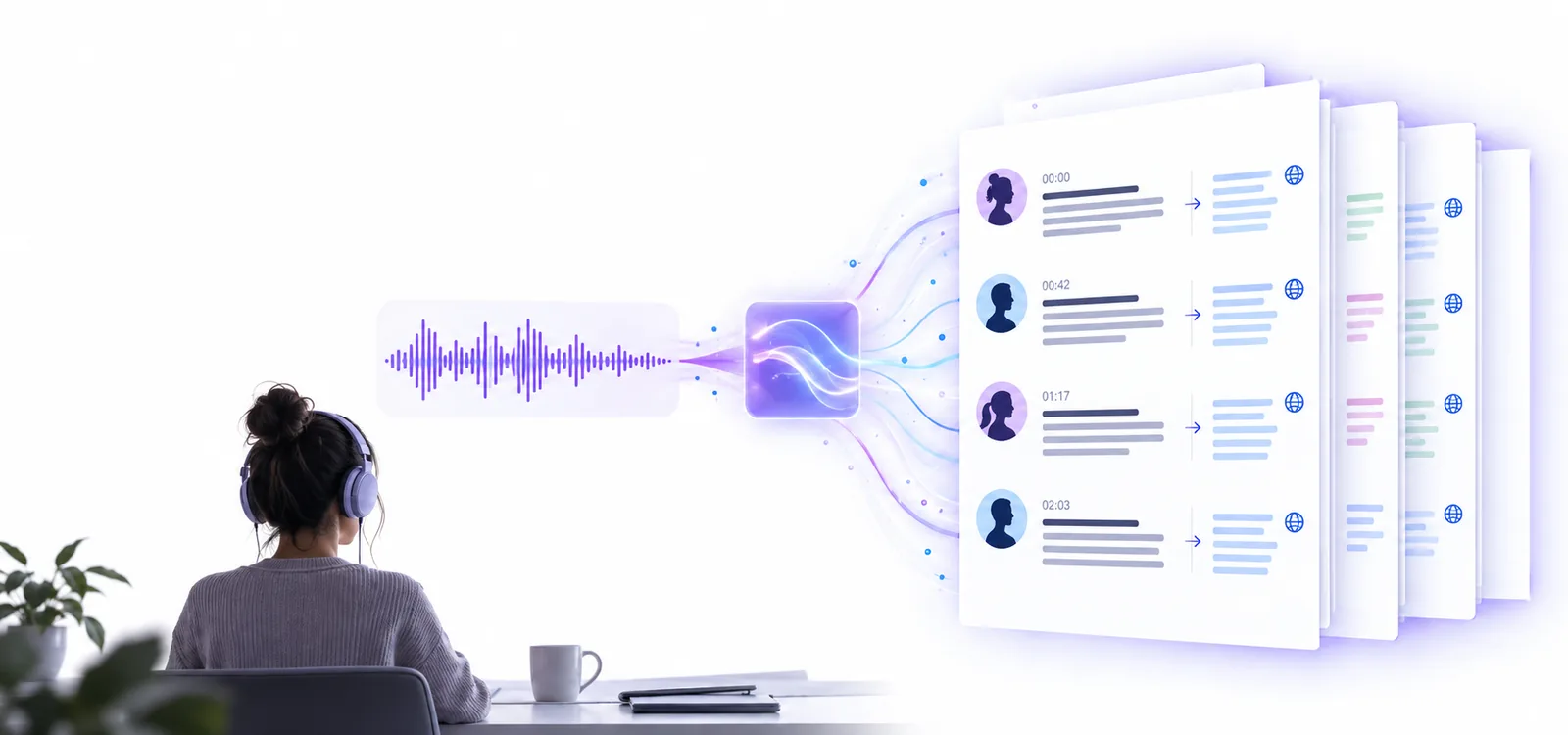
An audio transcriber AI workflow can turn a recording into a searchable text draft, but the quality of the result depends on the source, the speakers, and the review you give it afterward.

Free to start · review recommended
Audio transcription workspace with a waveform and text draft

One full run-through

The useful role of AI is not only producing words. It is reducing the time between a raw recording and a draft you can check, edit, and reuse.

  1. 1

    Prepare the source

    Choose the clearest version of the recording and note anything the system may struggle with, such as overlapping speakers, music, heavy background noise, or specialist vocabulary.

  2. 2

    Run the transcription

    Submit the audio with a focused instruction. Ask for speaker labels, timestamps, paragraph breaks, or uncertainty markers when those details will make the draft easier to review.

  3. 3

    Review and refine

    Listen back to names, numbers, quotations, and short unclear passages. Correct the text before sharing it, then copy the finished draft into the format your project needs.

source recording to prepare
01
main stages: draft and review
02
core checks: names, numbers, context
03

Options table

AI-assisted transcription is best understood as a drafting option, not a promise that every word will be correct. The comparison below shows where it helps and where human judgment remains important.

AI-assisted transcription
Manual transcription

Starting point

AI-assisted transcription

A recording plus a focused instruction

Manual transcription

A recording and repeated playback

First-pass speed

AI-assisted transcription

Creates a complete draft in one pass

Manual transcription

Depends on typing speed and listening pace

Speaker separation

AI-assisted transcription

May identify speakers when voices are distinct

Manual transcription

Can label speakers deliberately while listening

Punctuation

AI-assisted transcription

Usually supplies a readable initial structure

Manual transcription

Controlled directly by the typist

Names and specialist terms

AI-assisted transcription

Can mishear unfamiliar words

Manual transcription

Can verify terms during playback

Background noise

AI-assisted transcription

Performance may drop with noise or overlap

Manual transcription

The listener can replay difficult sections

Best use

AI-assisted transcription

Fast searchable drafts and first-pass notes

Manual transcription

Final wording where every detail is critical

What fails

A capable transcription route still has boundaries. Knowing the common failure points helps you decide what to check instead of treating a fluent-looking draft as proof of accuracy.

Overlapping speakers

When people talk over one another, words and speaker labels can merge or appear under the wrong voice.

Workaround

Review the waveform and replay the section at a slower speed; add speaker names only after confirming who is speaking.

Names, numbers, and jargon

An AI draft may produce a plausible but incorrect spelling for a person, product, address, measurement, or technical term.

Workaround

Compare important details with the recording and a trusted reference document before publishing or sending the transcript.

Poor recording quality

Echo, clipping, distant microphones, music, and strong background noise can remove information before transcription begins.

Workaround

Use the clearest source available, reduce avoidable noise, and mark genuinely unintelligible passages rather than guessing.

Meaning without context

The system can transcribe words without understanding whether a statement is sarcastic, incomplete, sensitive, or factually reliable.

Workaround

Keep a human review step for interviews, research, legal material, medical discussions, and any transcript used to make decisions.

Start with a useful transcription draft

Give the recording a focused instruction, then use the first result as working material rather than a final authority. A short review of names, numbers, speakers, and unclear passages can make the draft far more dependable.

Try AI transcription
  • Describe the output you need
  • Ask for speaker labels when useful
  • Review high-impact details before sharing

Frequently asked questions

It analyzes spoken audio and produces a text draft that can include punctuation, paragraph breaks, and sometimes speaker separation. The result is useful for searching, note-taking, editing, and creating a more polished transcript, but important details still need review.

It can provide a strong starting point when the recording is clear and speakers do not overlap heavily. For legal, medical, research, financial, or publication-ready work, verify names, numbers, quotations, and any passage that affects the outcome.

Some workflows can separate speakers when voices are distinct and the recording gives each person enough uninterrupted speech. Identification can fail with interruptions, similar voices, poor microphones, or several people speaking at once, so check the labels against the audio.

Use the clearest recording available, with voices close to the microphone and as little background noise as possible. Avoid heavily compressed files, strong echo, loud music, and recordings where multiple speakers regularly talk over each other.

Yes. Treat the output as a draft and listen back to uncertain sections, names, figures, technical language, and speaker changes. Editing also lets you choose whether to preserve filler words and spoken repetition or present a cleaner readable version.

Start transcribing
Start transcribing