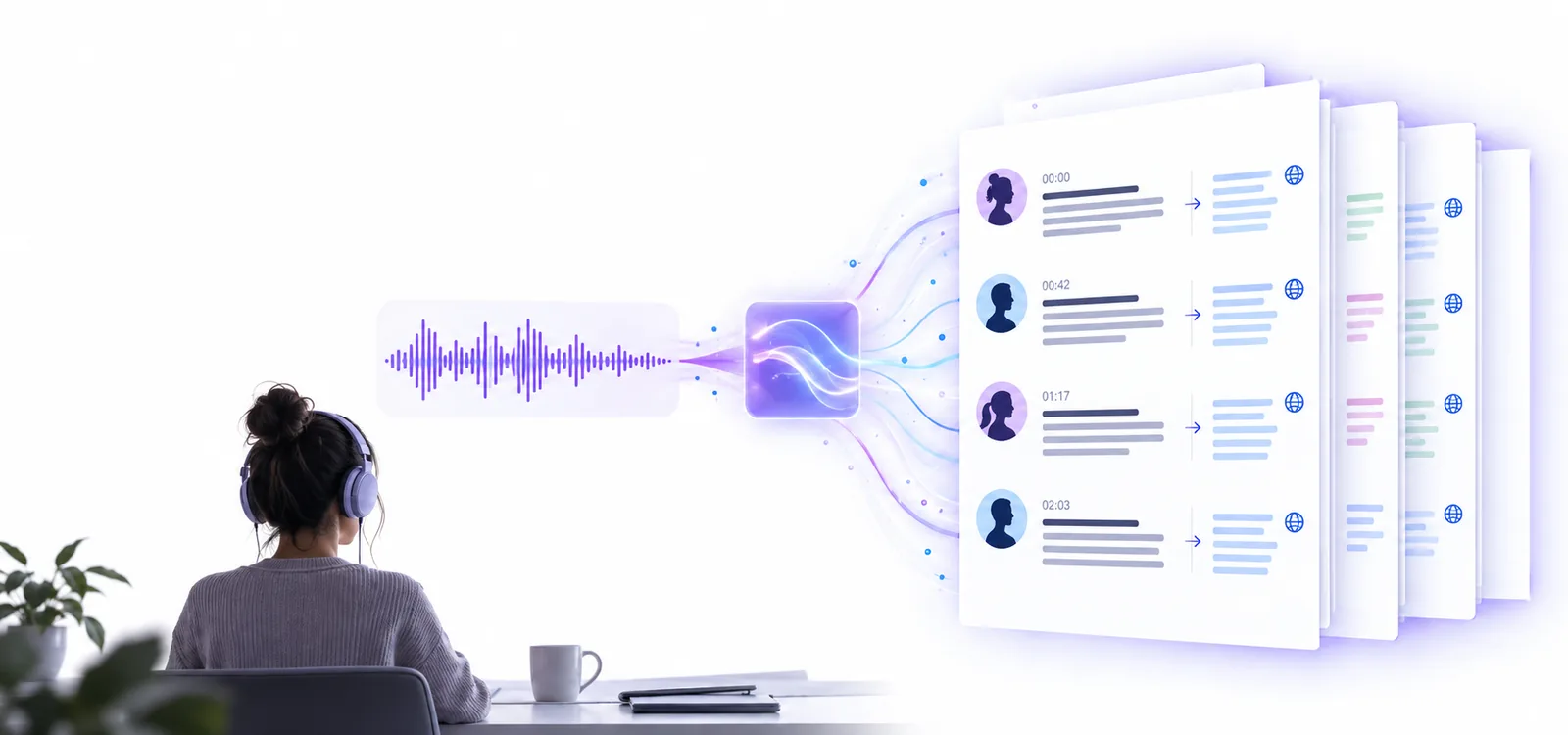
Recording workflow

Transcribe audio recording to text with less cleanup

Transcribe audio recording to text from a meeting, interview, lecture, or voice memo, then review the result for names, numbers, and speaker changes.

Free to start · no signup
Audio transcription workspace showing a recording and its text output

Real-world uses

From recorded speech to useful copy

The best workflow depends on why you recorded the audio. Start with the outcome you need, then shape the transcript around it.

Journalists

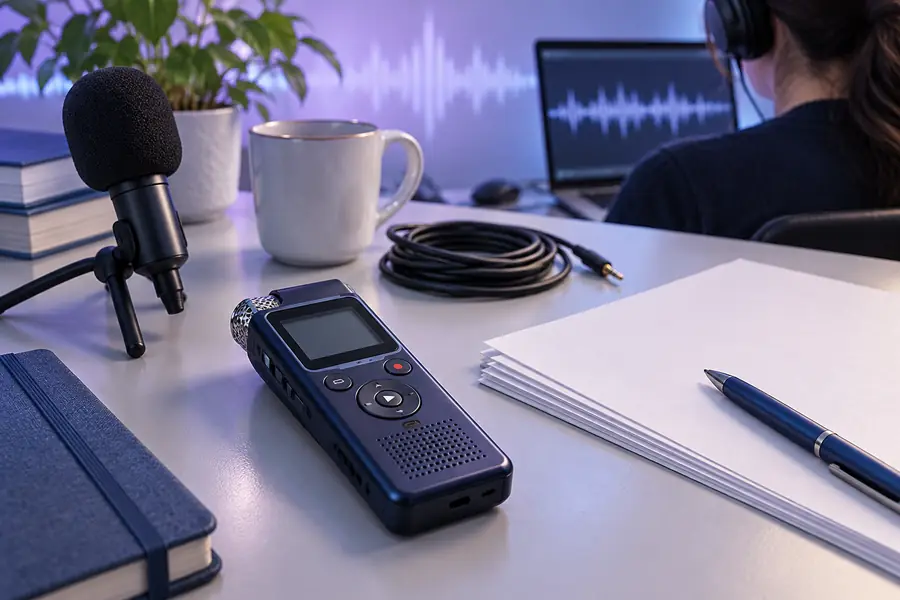
A recorded interview contains long answers, follow-up questions, and names that are difficult to capture accurately while reporting.

Get a searchable first draft that can be checked against the source before quotes are published.

transcribe audio to text free online
Students

A lecture recording is useful for revision, but replaying the entire class makes it slow to find definitions and examples.

Turn the recording into notes that can be searched, highlighted, and condensed into a study outline.

transcribe audio to text free online

Podcast teams

An episode or guest interview needs a working transcript for show notes, clips, captions, and content planning.

Create an editable text base while keeping the original audio available for fact-checking and quotations.

transcribe audio to text free online

Project teams

A planning call includes decisions, owners, deadlines, and side discussions that are easy to forget after the meeting ends.

Capture the discussion in text so responsibilities and follow-up items can be reviewed by everyone.

transcribe audio to text free online

Simple process

What conversion can and cannot preserve

A recording carries tone and timing; text makes the words easier to scan. Use these three steps to keep the useful context attached to the output.

  1. 1

    Prepare the recording

    Choose the clearest version of the file and note unusual names, technical terms, or multiple speakers before conversion.

  2. 2

    Convert the spoken words

    Send the recording through the tool and use the first transcript as a working draft, not as a final publication copy.

  3. 3

    Review against the source

    Replay uncertain passages, correct punctuation and names, and mark anything that depends on tone, timing, or visual context.

Continue exploring

The right route for the next task

These related guides cover nearby ways to turn spoken audio into text, depending on the source file and the workflow you prefer.

A/B comparison

A/B structural difference table

The recording and the transcript are not interchangeable. One preserves the full sound event; the other makes the spoken content easier to search and edit.

Audio recording
Text transcript

Primary form

Audio recording

Continuous sound with timing, pauses, overlap, and tone

Text transcript

Words arranged as searchable written passages

Speaker identity

Audio recording

Often apparent from the voice, context, or turn-taking

Text transcript

May need labels or manual correction

Searchability

Audio recording

Requires listening and scrubbing through the timeline

Text transcript

Allows keyword search and quick scanning

Tone and emphasis

Audio recording

Preserves pitch, hesitation, volume, and delivery

Text transcript

Usually reduces these signals to punctuation or notes

Editing

Audio recording

Changes require cutting, rearranging, or re-recording audio

Text transcript

Text can be copied, shortened, reordered, and annotated

Verification

Audio recording

The original source for checking exact wording and context

Text transcript

A convenient draft that should be checked against the source

Accessibility

Audio recording

Useful for listeners but less practical for silent reading

Text transcript

Readable, searchable, and easier to quote or caption

Output check

What conversion loses

A clean transcript can look definitive even when the recording contains ambiguity. Compare the text with the audio before relying on it for a quote, decision, or published summary.

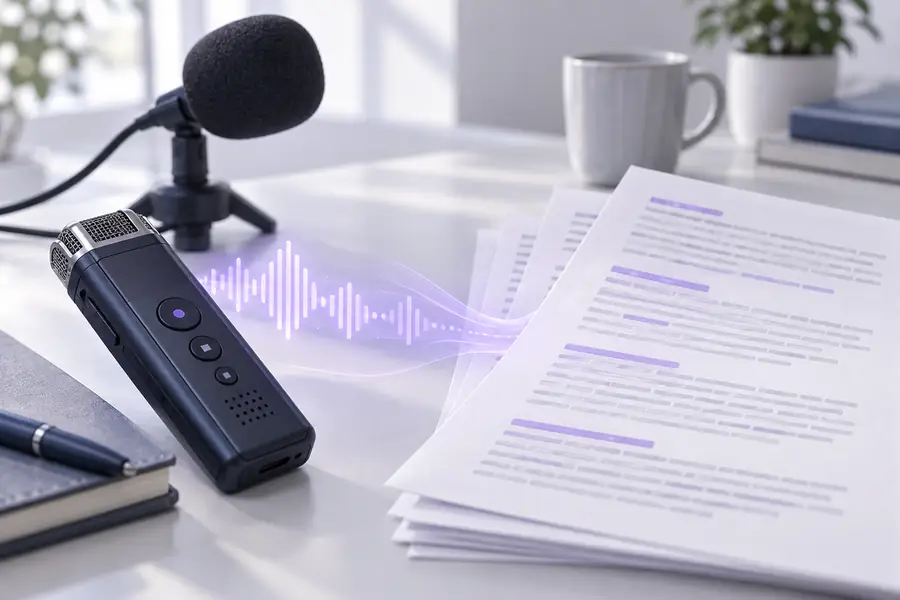
Audio recording prepared for transcription Source recording
Transcript view showing text that needs review Working transcript
Treat the text as a reviewable draft: replay unclear words, confirm speaker changes, and preserve the original recording alongside the final copy.

Honest limits

Where this route needs human review

Audio-to-text conversion is useful, but it does not understand every detail of a recording perfectly. Plan a short review when accuracy matters.

Overlapping speakers

When people talk at the same time, words can be merged, omitted, or assigned to the wrong speaker.

Workaround

Replay the overlap and label each speaker manually in the transcript.

Names and specialist terms

Rare names, acronyms, brands, and technical vocabulary may be rendered as plausible but incorrect words.

Workaround

Keep a correction list and search the transcript for terms that need confirmation.

Noise and weak audio

Background music, distance from the microphone, echo, and interruptions can reduce recognition quality.

Workaround

Use the clearest source available and check every low-confidence passage against the audio.

Meaning beyond words

Sarcasm, emotion, gestures, and visual references are not fully represented by plain text alone.

Workaround

Add editorial notes or retain the recording whenever delivery and context affect the meaning.

Start with your recording

Make the recording easier to work with

Convert a meeting, interview, lecture, or voice memo into a practical text draft, then spend your time reviewing the moments that matter instead of typing from the beginning.

Convert my recording
  • Useful for interviews, meetings, lectures, and voice notes
  • Keep the original audio for verification
  • Review names, numbers, speakers, and unclear passages

Variant FAQ

Transcribe audio recording to text: common questions

Start with the clearest version of the recording, send it through an audio-to-text tool, and review the returned transcript. Check names, numbers, speaker labels, and any passage affected by noise or overlapping speech.

Yes. The converted output is text that can usually be copied, edited, searched, and reorganized for notes, captions, summaries, or research. Keep the original recording available because the transcript is a working representation of the audio.

Clear interviews, meetings, lectures, podcasts, and voice memos are good starting points when speech is close to the microphone and background noise is limited. Recordings with heavy echo, music, or several people speaking at once need more manual correction.

Accuracy depends on sound quality, accents, vocabulary, speaker overlap, and the recording environment. Treat the first result as a draft and replay uncertain sections before using it for a published quote, formal record, or important decision.

Plain text may not preserve tone, pauses, emphasis, gestures, room context, or visual references. Add notes when those details affect meaning, and retain the source audio for anyone who needs to verify how something was said.

Start transcribing
Start transcribing